
Convert Typed Notes to Handwriting
Paste notes you have already written, or sign in to import a PDF or DOCX. Keep your wording, organize key points, and preview handwriting before downloading a JPEG or PDF.
Preview for free · 1 credit per downloaded page · PDF on every plan
Loading editor
1Type or paste your text
2Handwriting appears here
3Download when ready
Loading editor
Turn your notes into readable handwritten pages
Blue or black ink handwritten notes
Write with blue, black, or custom ink and emphasize key lines with a highlighter — all rendered in the chosen handwriting style, the way real notes are marked up.
Note-friendly paper
Start with college-ruled or plain paper. Pro unlocks grid, memo, school papers, and photographed notebooks in Letter, A4, and more.
Credits on download
Preview is free in your browser. Each downloaded page uses 1 credit. Re-downloading the same page in this session is free.
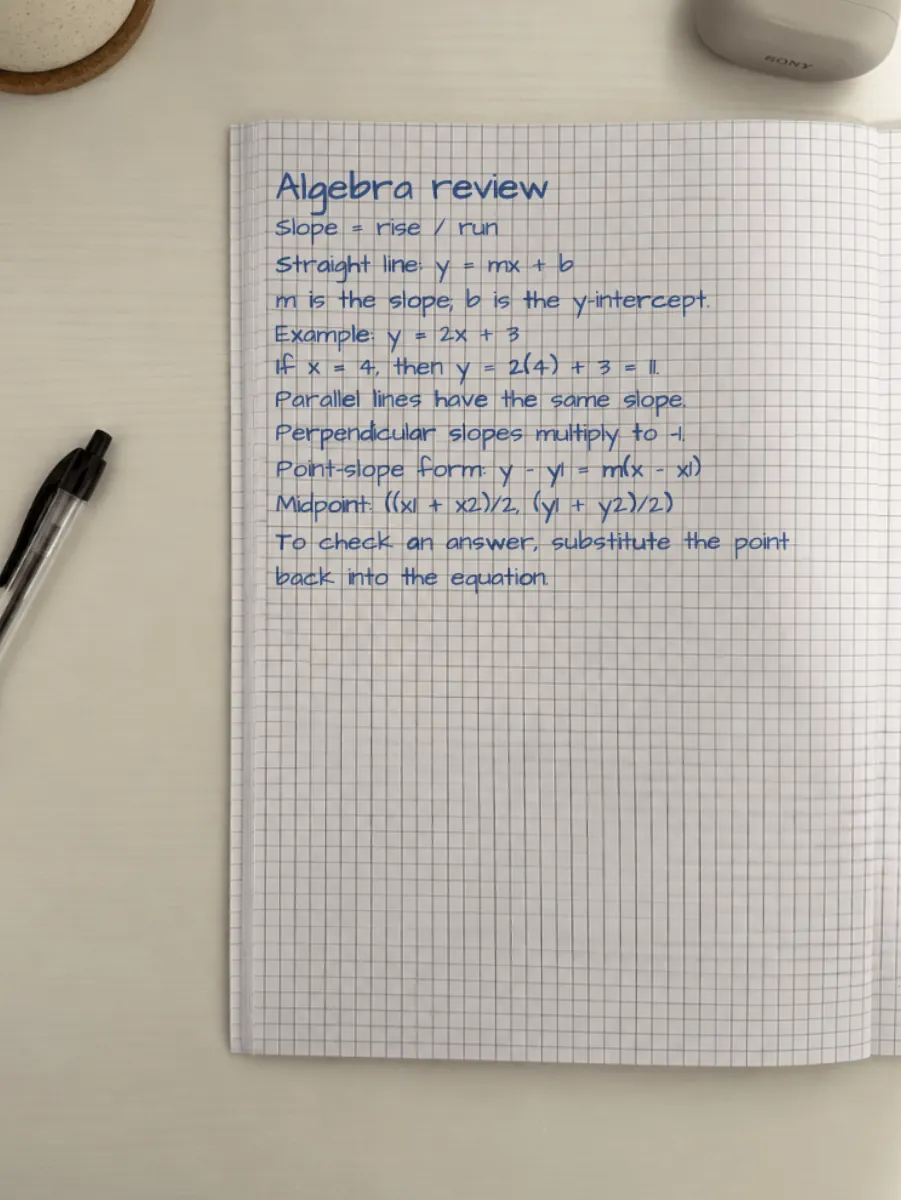
A study note you can make on Free
Try a photographed notebook
Photographed notebook paper is available to download on Pro and Premium. You can preview it before choosing a plan.
Your writing, your notes
Make notes in your own handwriting
Turn your handwriting into a reusable font in FontKind AI, then use it here with the same account.
Font creation has separate plans and billing. Your Handwriting AI subscription does not include it. With the same account, your completed FontKind AI fonts appear in the Handwriting AI editor. Preview them for free; exporting and printing pages with them requires Handwriting AI Starter or higher.
Create my font in FontKind AI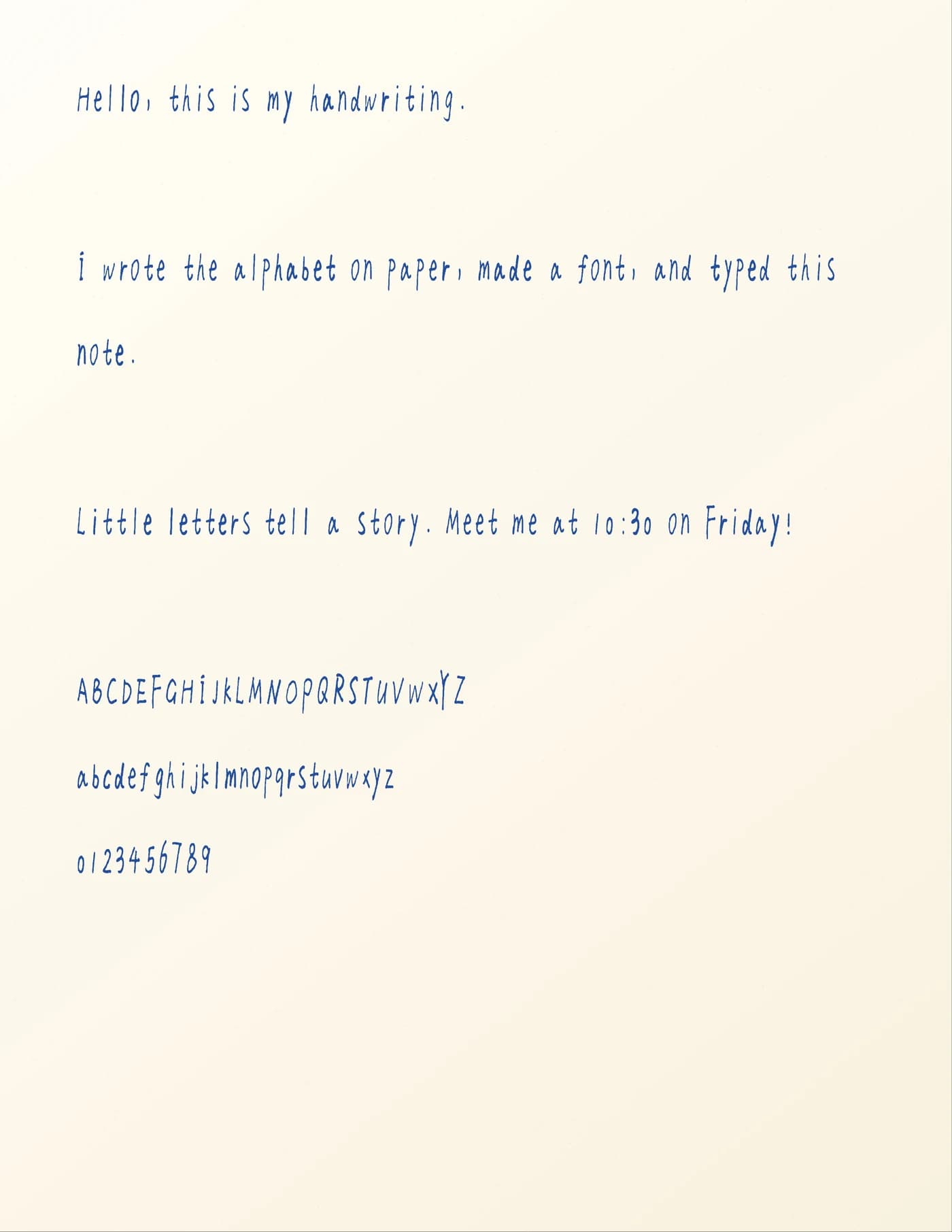
Frequently asked questions
- How do I make typed text look like handwritten notes?
- Paste your text, pick a handwriting style and note paper such as lined or grid, optionally add a highlighter and ink colors, then download the page as an image or PDF.
- Can I highlight and use different ink colors?
- Yes. The editor supports a highlighter and multiple ink colors, all rendered in the selected handwriting style rather than as flat printed marks.
- Is the handwritten notes generator free?
- Yes. Preview is free. Each downloaded page uses 1 credit and has no watermark. A signed-in Free account can import DOCX and text-based PDF files, and includes 6 credits per month and 150 DPI PDF export. Scanned PDFs use a separate text extraction allowance. Starter adds realism controls. Pro adds built-in and custom photo-paper downloads, AI auto-fit at 5 AI credits per photo, and 300 DPI HD. Premium adds more AI credits, cloud sync, AI Writer, and 600 DPI Ultra for fixed-paper exports. You can preview custom photo paper on Free before upgrading to download.
- Can I turn a chapter into handwritten-style notes?
- Yes. Paste a chapter summary or revision outline, format it with headings and lists, then render it on lined or grid paper as natural handwritten-style notes.
- Can I download handwritten study notes as a PDF?
- Yes. Longer notes paginate automatically and can be exported as a multi-page PDF, while shorter notes can be downloaded as JPEG images.
- How can I make generated notes look less like a font?
- Raise position and stroke for baseline and letter variation, turn Corrections to Light, then use Shuffle for a new take on the same text.
- Can I make notes in my own handwriting?
- Turn your handwriting into a reusable font in FontKind AI, then use it here with the same account. Font creation has separate plans and billing. Your Handwriting AI subscription does not include it. With the same account, your completed FontKind AI fonts appear in the Handwriting AI editor. Preview them for free; exporting and printing pages with them requires Handwriting AI Starter or higher.
- Create my font in FontKind AI
Step-by-step guides
See recommended settings, a real generated result, and the full workflow for related tasks.