Handwritten Notes Generator
Use this handwritten notes generator to convert typed study notes, chapter summaries, and revision points into natural-looking handwritten pages. Choose blue or black ink, add highlights, pick lined, grid, plain, or memo paper, and export the result as an image or PDF.
Open the editor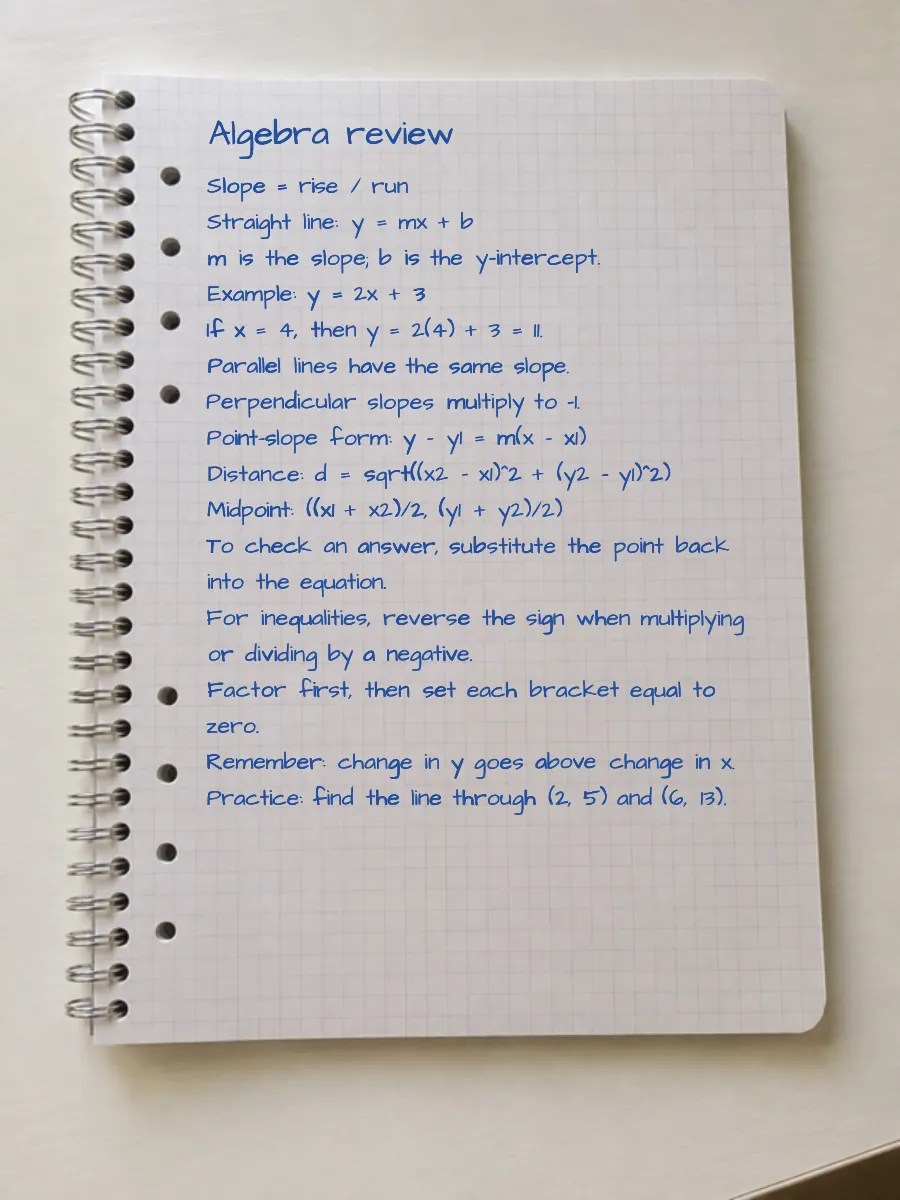
Blue or black ink handwritten notes
Write with blue, black, or custom ink and emphasize key lines with a highlighter — all rendered in the chosen handwriting style, the way real notes are marked up.
Note-friendly paper
Lined, grid, memo, and plain paper in Letter, A4, and square sizes, with a writable area that matches the page.
Credits on download
Preview is free in your browser. Each downloaded page uses 1 credit. Re-downloading the same page in this session is free.
Try it now
Type or paste your text, pick a style and paper, then download your page.
Frequently asked questions
- How do I make typed text look like handwritten notes?
- Paste your text, pick a handwriting style and note paper such as lined or grid, optionally add a highlighter and ink colors, then download the page as an image or PDF.
- Can I highlight and use different ink colors?
- Yes. The editor supports a highlighter and multiple ink colors, all rendered in the selected handwriting style rather than as flat printed marks.
- Is the handwritten notes generator free?
- Yes. Preview is free. Each download uses 1 credit. The free plan includes 6 credits per month. Paid plans add more credits, more styles, PDF, and HD export on Premium.
- Can I turn a chapter into handwritten-style notes?
- Yes. Paste a chapter summary or revision outline, format it with headings and lists, then render it on lined or grid paper as natural handwritten-style notes.
- Can I download handwritten study notes as a PDF?
- Yes. Longer notes paginate automatically and can be exported as a multi-page PDF, while shorter notes can be downloaded as JPEG images.
- How can I make generated notes look less like a font?
- Raise position and stroke for baseline and letter variation, turn Corrections to Light, then use Shuffle for a new take on the same text.
Step-by-step guides
See recommended settings, a real generated result, and the full workflow for related tasks.
- ExamplesRealistic Handwriting Examples and SettingsA visual reference for matching handwriting styles, paper, ink, and realism settings to different tasks.
- School & studyHow to Create Handwritten Study Notes: Fonts, Paper & PDFBuild readable handwritten study notes with headings, short bullets, sensible spacing, and print-ready Letter or A4 pages.