Realistic Handwriting Generator
Most tools just place a font on paper, so repeated forms match exactly and the result reads as typed. This realistic handwriting generator varies individual characters in print styles and varies words, baselines, spacing, and ink in connected cursive styles. Shuffle creates a fresh result from the same text every time.
Open the editor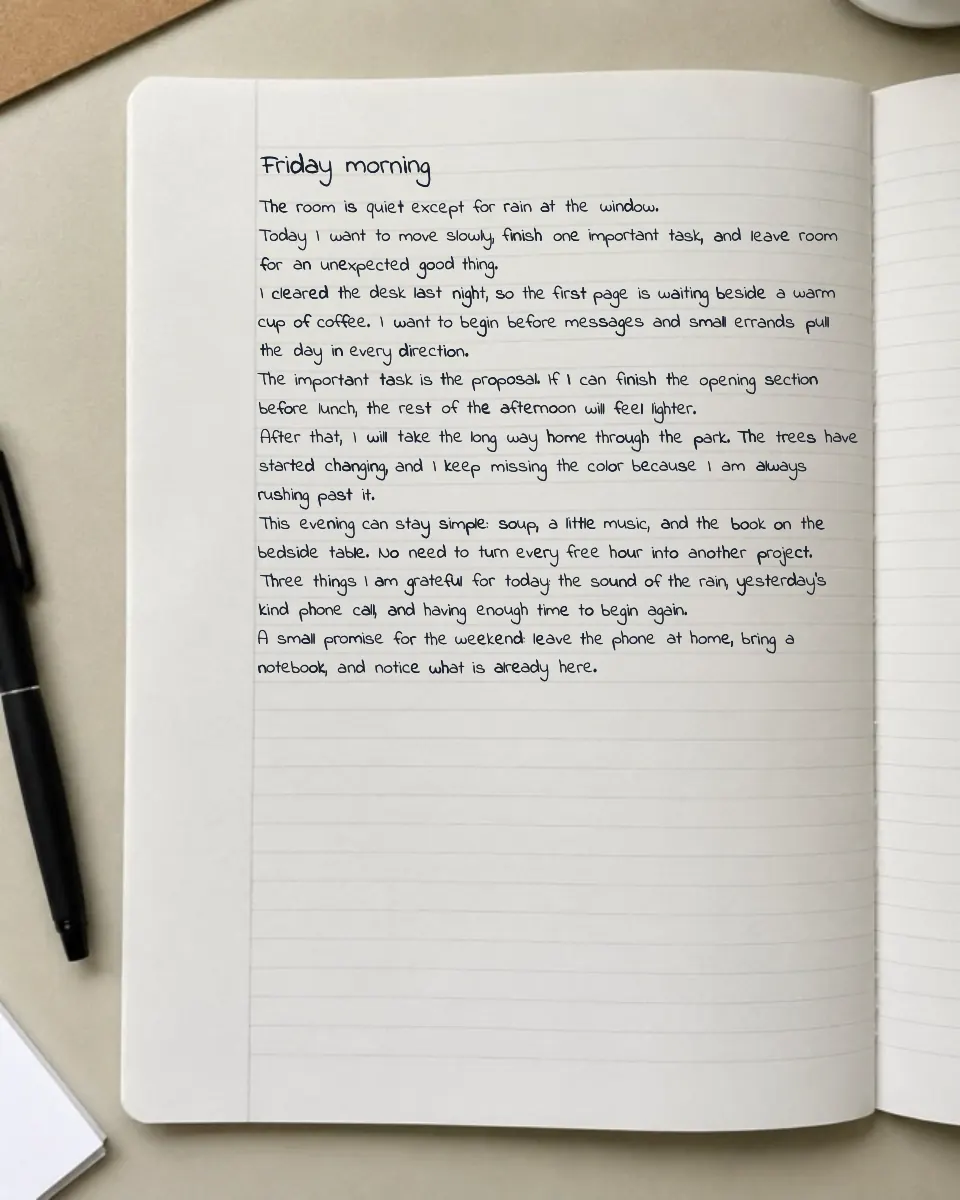
Character and baseline variation
Print styles can vary individual characters, while connected cursive varies whole words and their baselines to keep joined strokes intact.
Pressure-like blue or black ink variation
Subtle ink-density changes add pressure-like variation, while the Pen weight control sets the overall visual weight of the writing.
Dial in neat or natural
Adjust Position and Stroke separately, then refine pen weight, spacing, and corrections to move from a careful hand to a quicker, less even style.
Try it now
Type or paste your text, pick a style and paper, then download your page.
Frequently asked questions
- What makes the handwriting look realistic?
- Print styles use character-level placement and stroke variation. Connected styles render whole words, then vary baselines, spacing, and ink while preserving natural joins.
- Can I control how messy or neat it looks?
- Yes. Position and Stroke range from a tidy, even hand to a rushed scrawl. Corrections can add crossed-out fixes, and Shuffle re-rolls the handwriting instance without changing those settings.
- Will it look the same every time I generate it?
- No. Shuffle produces a fresh variation from the same text, so each generated page is unique even when the words are identical.
- What are baseline jitter and letter rotation?
- Baseline jitter moves letters slightly above or below the writing line, while letter rotation changes each character's angle. Both reproduce small variations found in human handwriting.
- Can I create realistic handwriting with blue or black ink?
- Yes. Choose blue, black, or another ink color, then adjust position, stroke, and pen weight to create anything from tidy classroom notes to a casual handwritten page.
- Does the generator add ink smudges or pen-lift marks?
- The current realism engine focuses on controlled baseline, rotation, spacing, stroke weight, and ink-density variation. It does not add artificial smudges that could cover or reduce the readability of your text.
Step-by-step guides
See recommended settings, a real generated result, and the full workflow for related tasks.
- Getting startedHow to Convert Text to Handwriting OnlineA complete walkthrough of the editor, from pasting text to choosing paper, adjusting handwriting controls, and exporting a handwritten page.
- ExamplesRealistic Handwriting Examples and SettingsA visual reference for matching handwriting styles, paper, ink, and realism settings to different tasks.